Gareth’s Tips, Tools, and Shop Tales is published by Cool Tools Lab. To receive the newsletter a week early, sign up here.
* Talk to me. Tell me a story. Share me a tip. A tool. * Support my work by buying my tips books (Vol. 1, Vol. 2). * Take out an Unclassified in this newsletter to reach fellow makers.
New Electronics Series from Becky Stern
My old Make: colleague, Becky Stern, has a new video series that she’s doing for the electronics component company, Digi-Key. Becky has always done an impressive job of explaining what can be intimidating technical information in an entertaining and digestible way. If this first installment, an introduction to LEDs, is any indication, this series looks to deliver more of her welcome brand of accessible tech education.
How to Get Clearer and Stronger Transparent FDM Prints
In this CNC Kitchen video, Stefan shows the special settings you can use to create superior-looking clear prints using an FDM (Fused deposition modeling)printer and clear filament. He also looks at how these parameters make your parts super strong.
Making Your Own Vinyl Stickers
If you’ve been attracted to the idea of creating your own custom vinyl stickers, this video shows you how. All you basically need is a crafting vinyl cutter (a few hundred dollars) and some sheets or rolls of vinyl material.
CA Glue Accelerator from Baking Soda and Water
One of the best takeaways from this Bill Making Stuff video (where he celebrates his 50th episode) is his tip for creating your own accelerator for CA glue. As you likely know, there are commercial accelerators, but they smell funny, have nasty stuff in them, and are combustible. You’re even supposed to wear eye protection when using them, though nobody does. You may also know about using baking soda as an accelerator. It works great, but it leaves a dusty powder on everything that you have to clean off. Bill mixes his baking soda with water in a spray bottle and has found that it works great and creates less mess. I will definitely be trying this.
How a Gas Pump Knows When to Turn Itself Off
If you’ve ever wondered how a gas pump nozzle knows when to shut off when your tank is full, this video reveals the clever design. Venturi tubes, Bernoulli principle, negative pressure — it turns out the design is far more complicated that you might expect. I always assumed it was some sort of an electronic sensor, but it’s purely mechanical.
“I was surprised to see a recommendation for the OXO sink strainer. I love OXO products, but that strainer is a disappointment to me. I do like the inversion feature, but stuff still gets stuck in and around the holes. The silicone gets slimy. I have black slime after a week in my kitchen drain, probably from teensy bits of lettuce and herbs and salad dressing. UGH. (Cleaning out the bowl with a paper towel before washing it seems to help.) I don’t know that a standard issue strainer would make me any happier (though I’d love to quit using so many paper towels). I’m glad yours pleases you; my experience is just different.”
This is a great example of that adage made popular by early hacker culture: “Your mileage may vary” (YMMV). When I posted my review of the strainer on Boing Boing, the first few responses were similar to Candy’s and I got nervous, thinking I had prematurely decided a tool was a winner without giving it an honest testing myself. But then the positive reviews came and they were the overwhelming sentiment. And on Amazon, it has 17.5K reviews at 4.7 stars. After a month, we are more than happy with ours, but, as in all things, YMMV. Thanks for sharing your experience, Candy!
Become a Patron!Support our reviews, videos, and podcasts on Patreon!
Cool tools really work.
A cool tool can be any book, gadget, software, video, map, hardware, material, or website that is tried and true. All reviews on this site are written by readers who have actually used the tool and others like it. Items can be either old or new as long as they are wonderful. We post things we like and ignore the rest. Suggestions for tools much better than what is recommended here are always wanted.
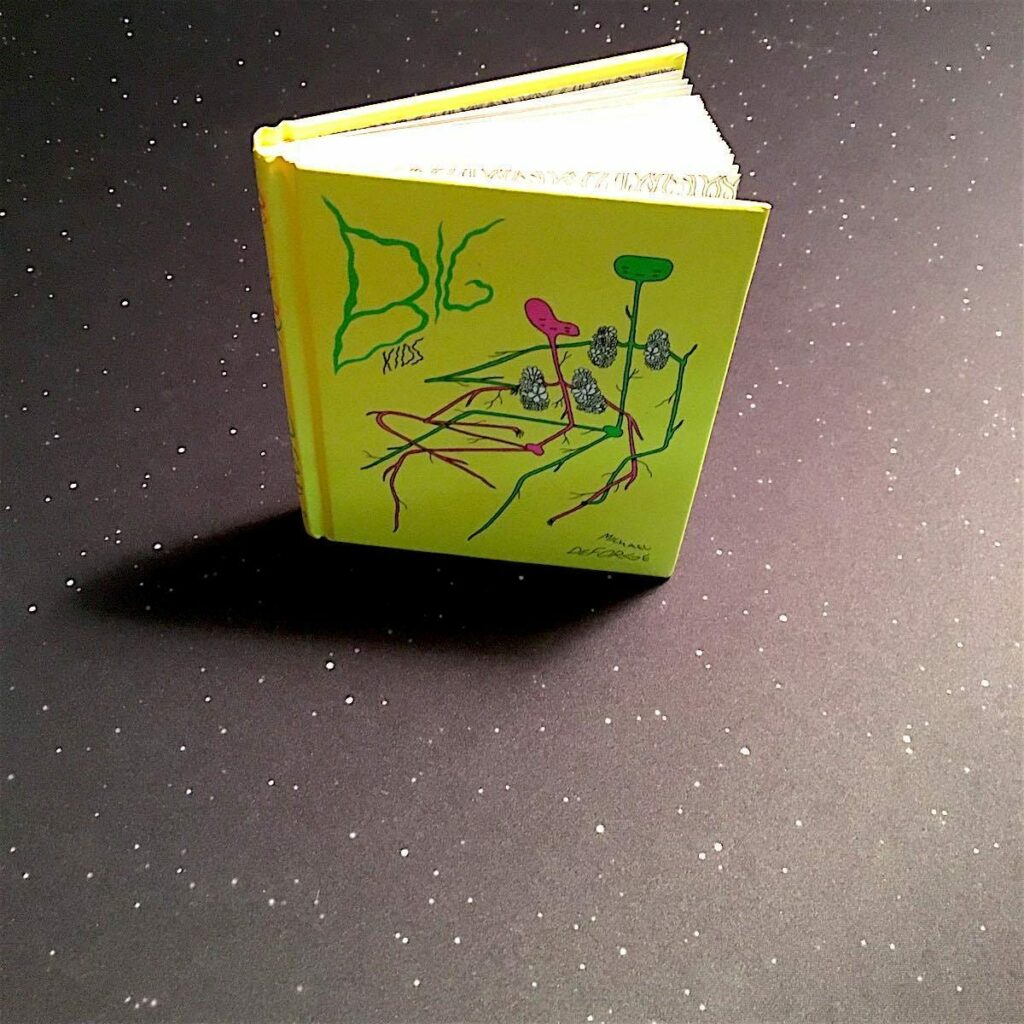
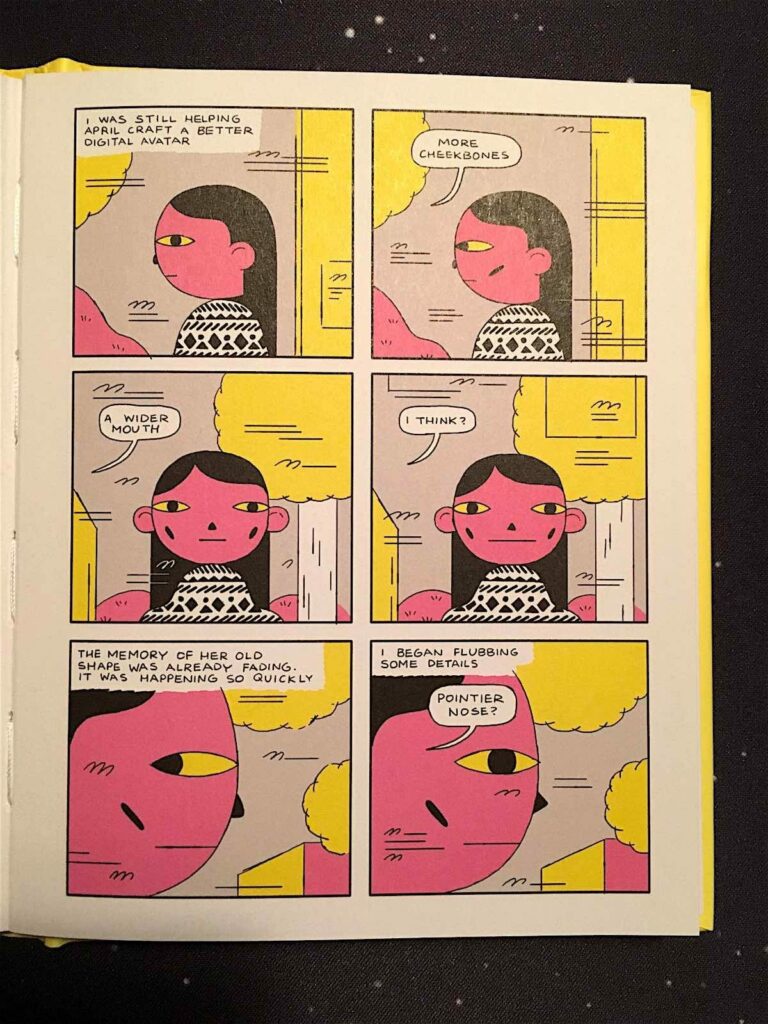
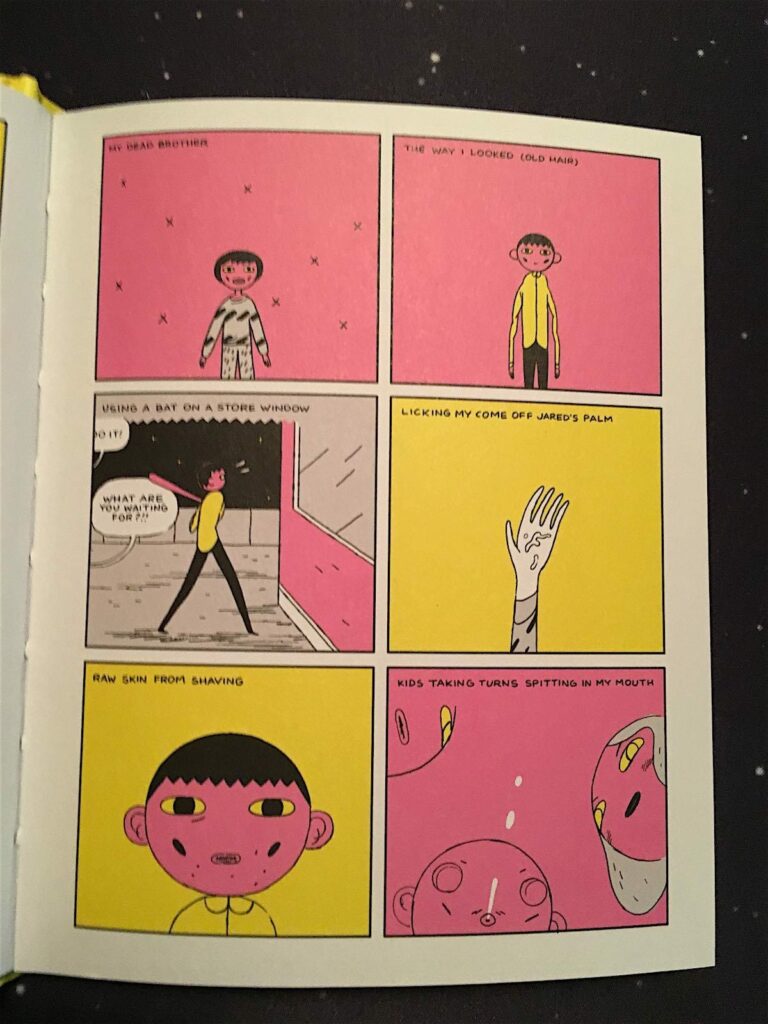
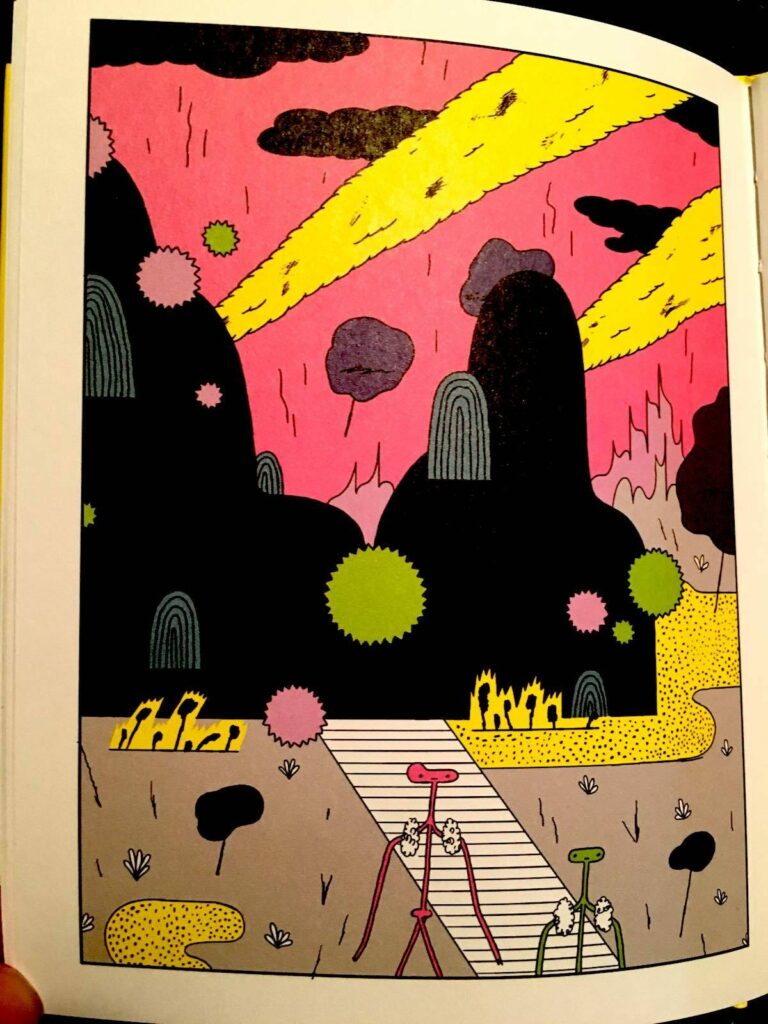
I have been fascinated by the work of Canadian comic artist Michael DeForge for a while now. If you like unvarnished explorations of the human psyche and the high weirdness that an unhinged mind and a free hand can render, check out Michael’s Lose series, Very Casual, and Dressing, all from Toronto-based comics publisher of note Koyama Press.
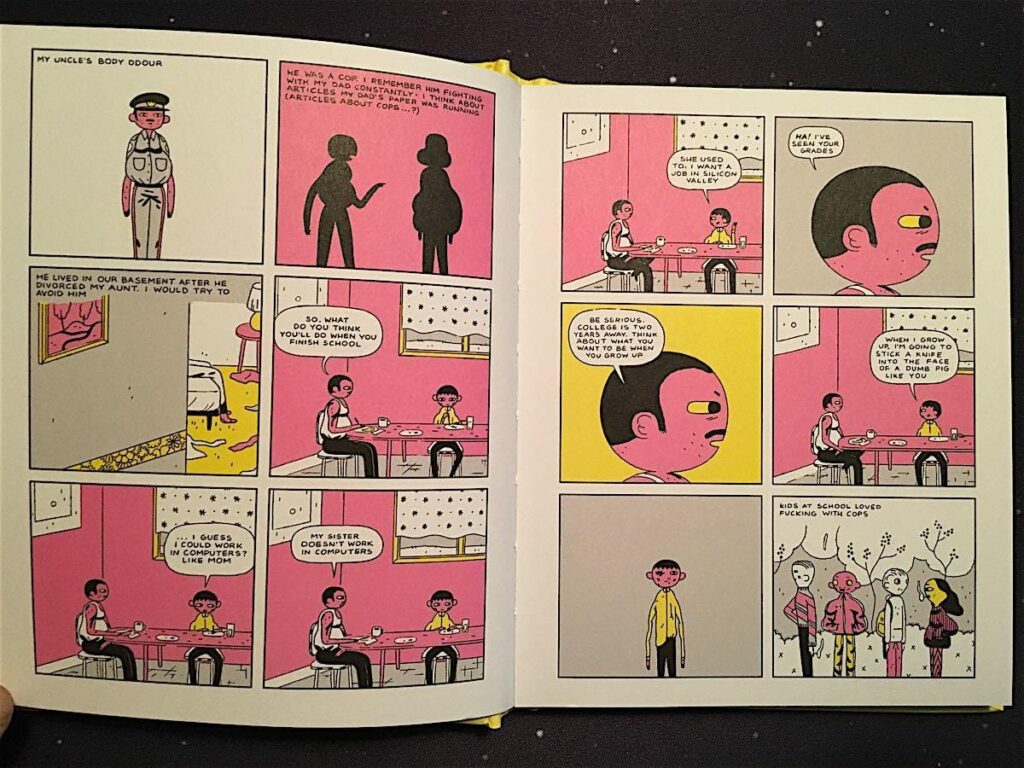
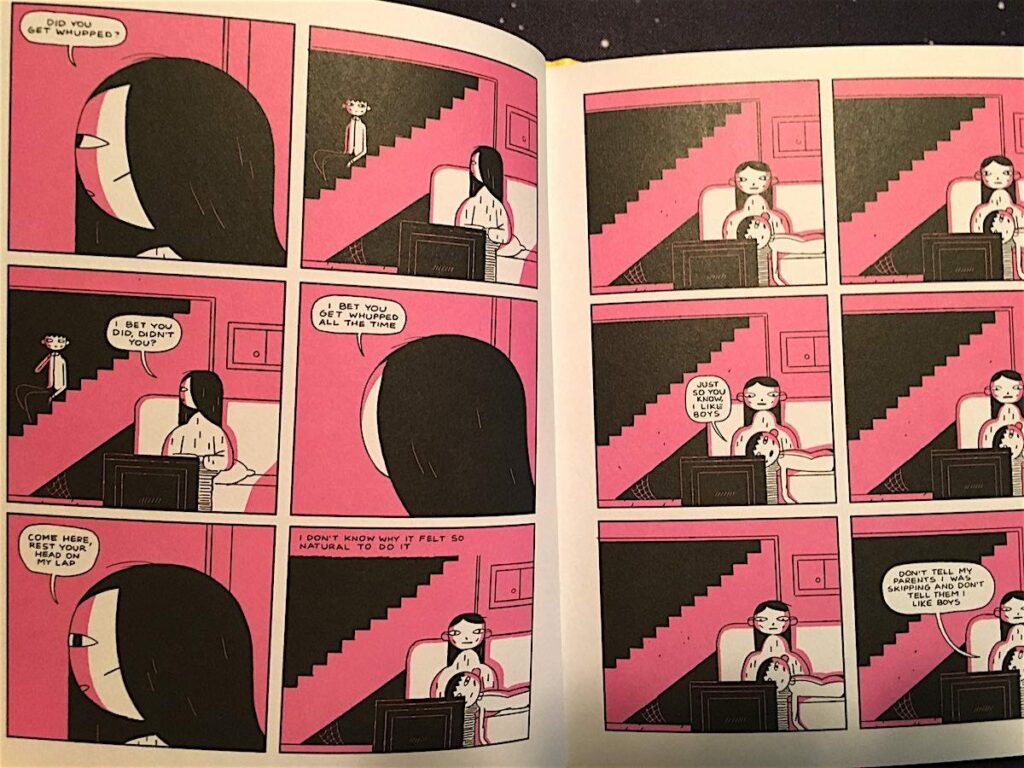
Big Kids is something of a departure for DeForge, or at least it starts off seeming that way. On the surface, Big Kids is a dark and mopey coming-of-age tale. It concerns a troubled teen boy who lives with his parents and a recalcitrant uncle in the basement and has awkward, restless sex with his best friend, in-between dangerous dares, bullying, bouts of petty vandalism, and other adolescent antics.
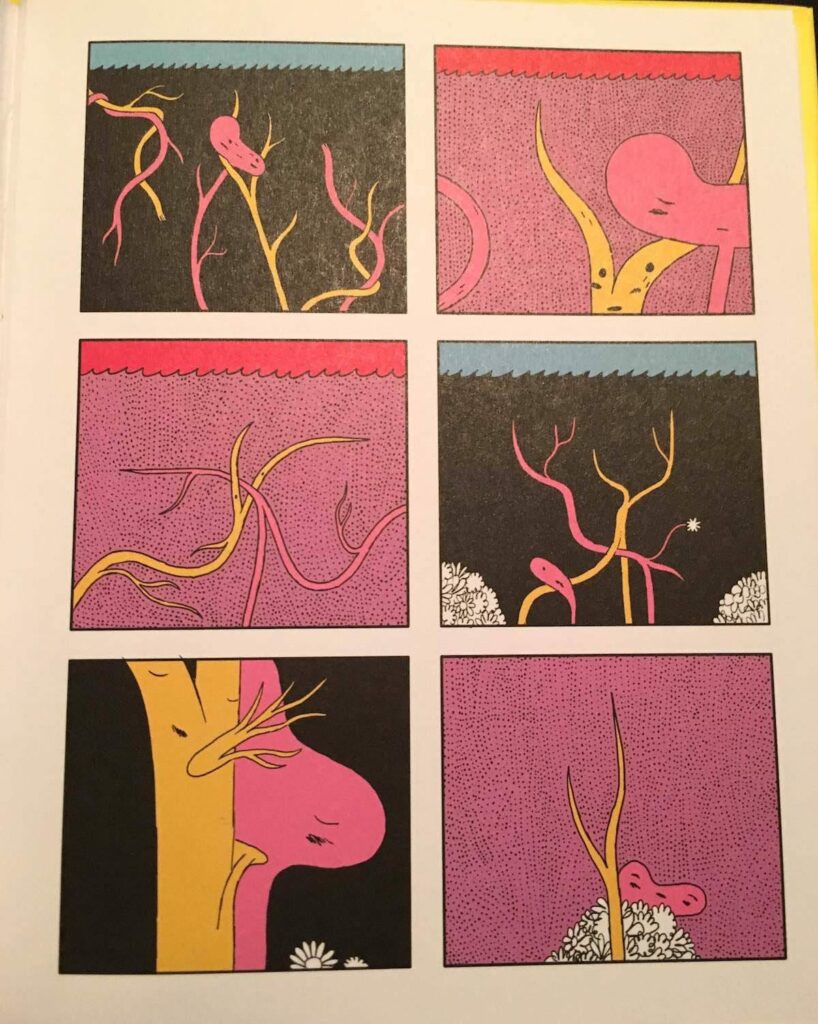
When the boy’s uncle gets kicked out of the house and a female college student moves in – a girl with a very different take on life who hangs with a group of more sophisticated, less juvenile delinquent friends – something extraordinary happens. Too many other reviews of this book spoil what comes next, which I think is a shame. I knew nothing of what was about to happen and was really stunned by the whole thing as a result. The book is obviously meant to be a meditation on the profound transformations we go through at different stages in our lives (especially in becoming a teen), and how strange, terrifying, and wondrous those changes can be. But this is done in a unique way that you could never guess is coming.
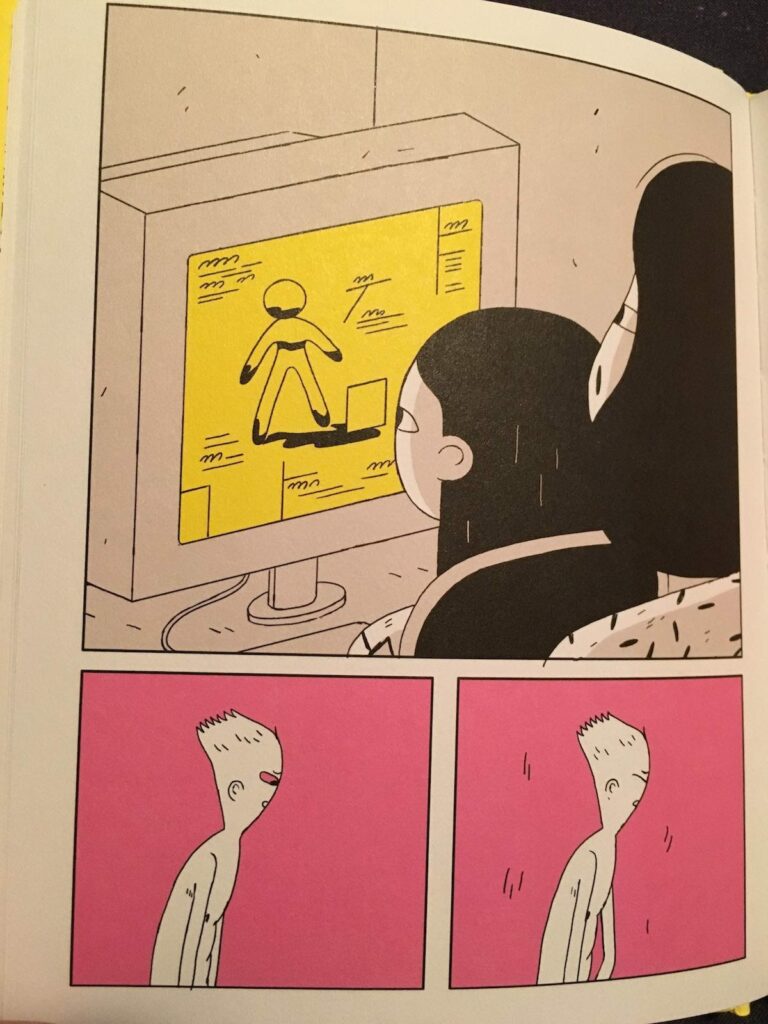
Michael DeForge’s work seems to be all about challenging our perceptions of identity, reality, and the comic form itself. Every time you delve into one of his pieces, you have no idea where you’re going to end up. Or just how splintered your mind will be by the time you get there. Big Kids manages to do all this while still delivering a touching, if somewhat disturbed, take on a classic tale of adolescent angst. – Gareth Branwyn
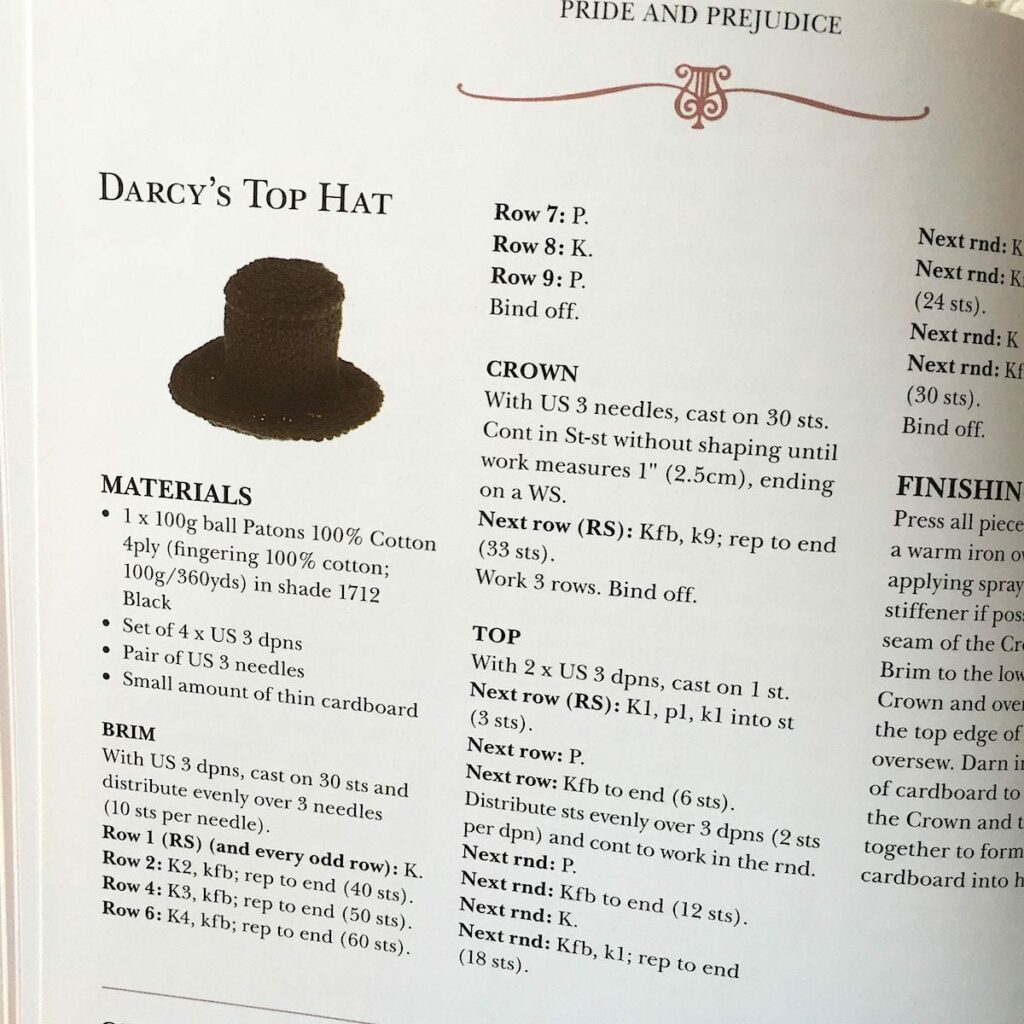
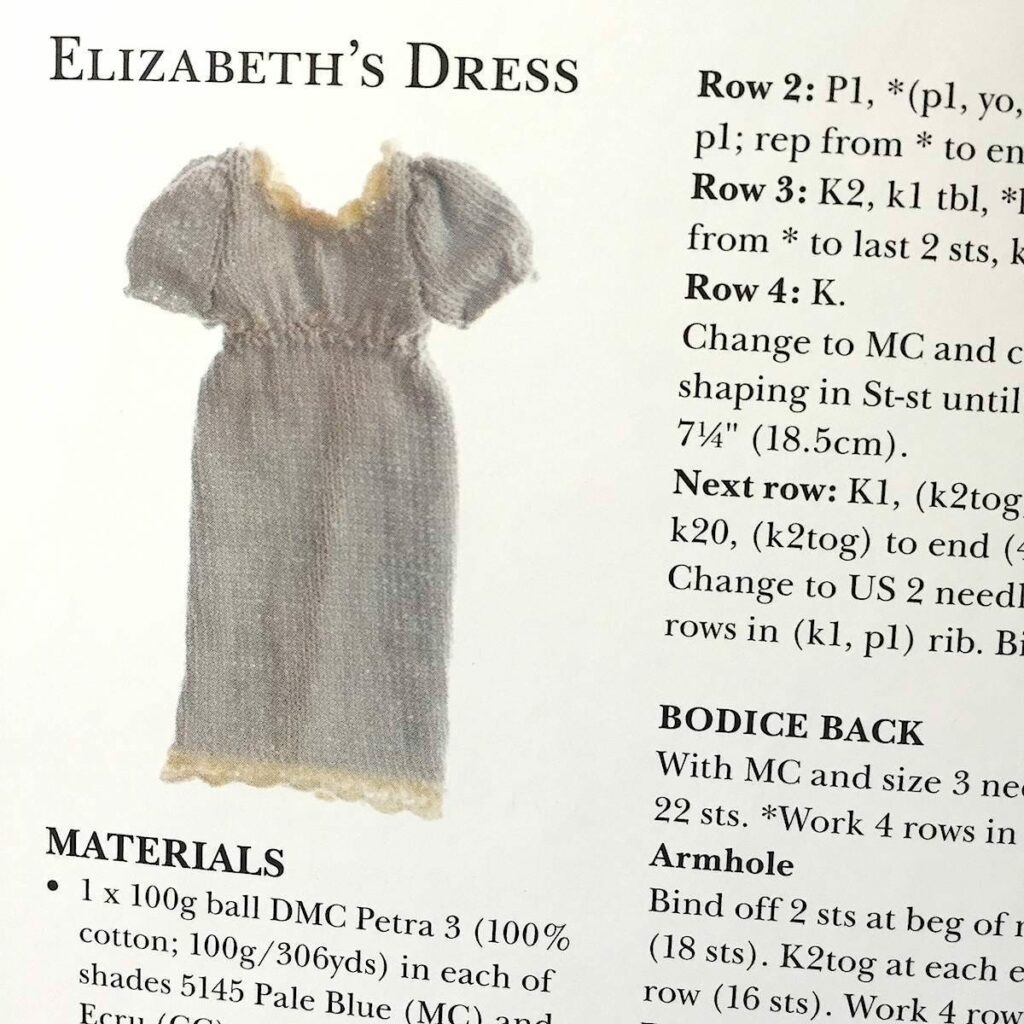
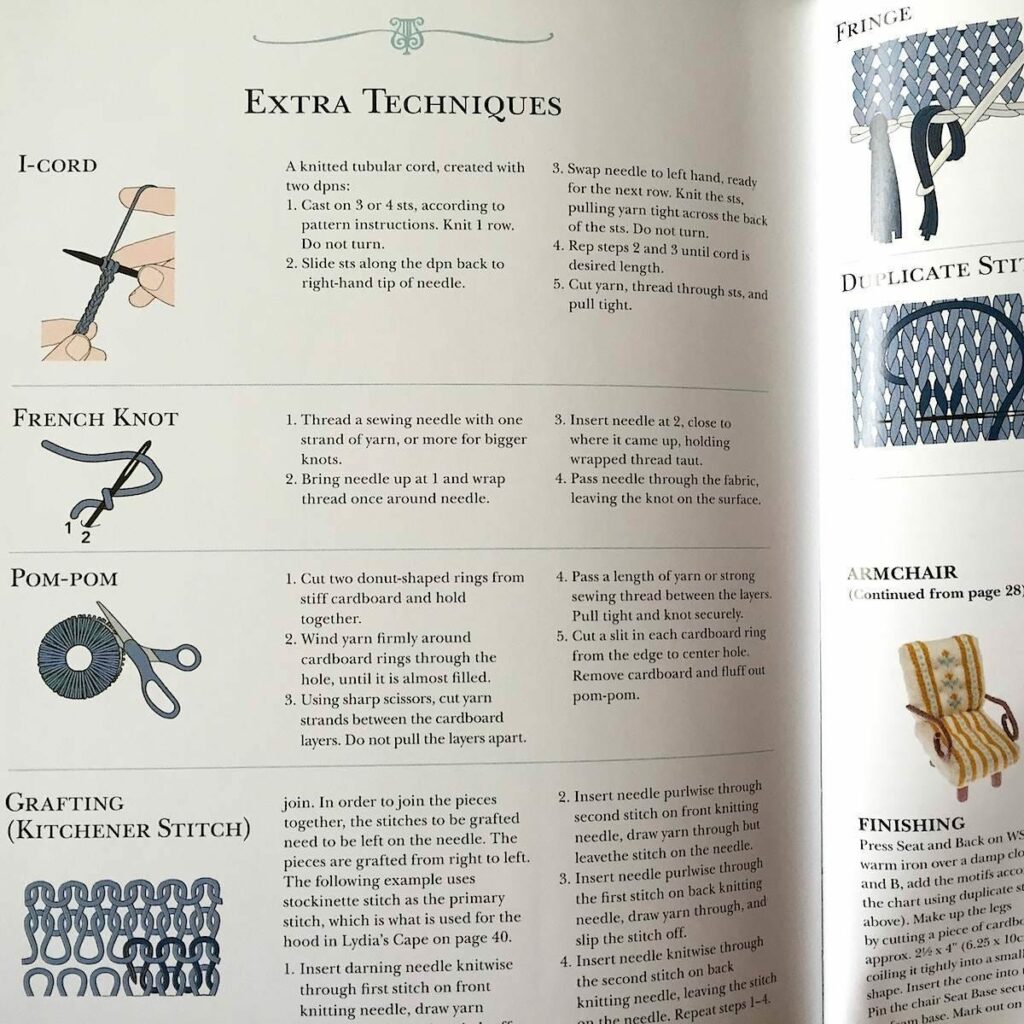
PRIDE & PREJU-KNITS: 12 GENTEEL KNITTING PROJECTS INSPIRED BY JANE AUSTEN
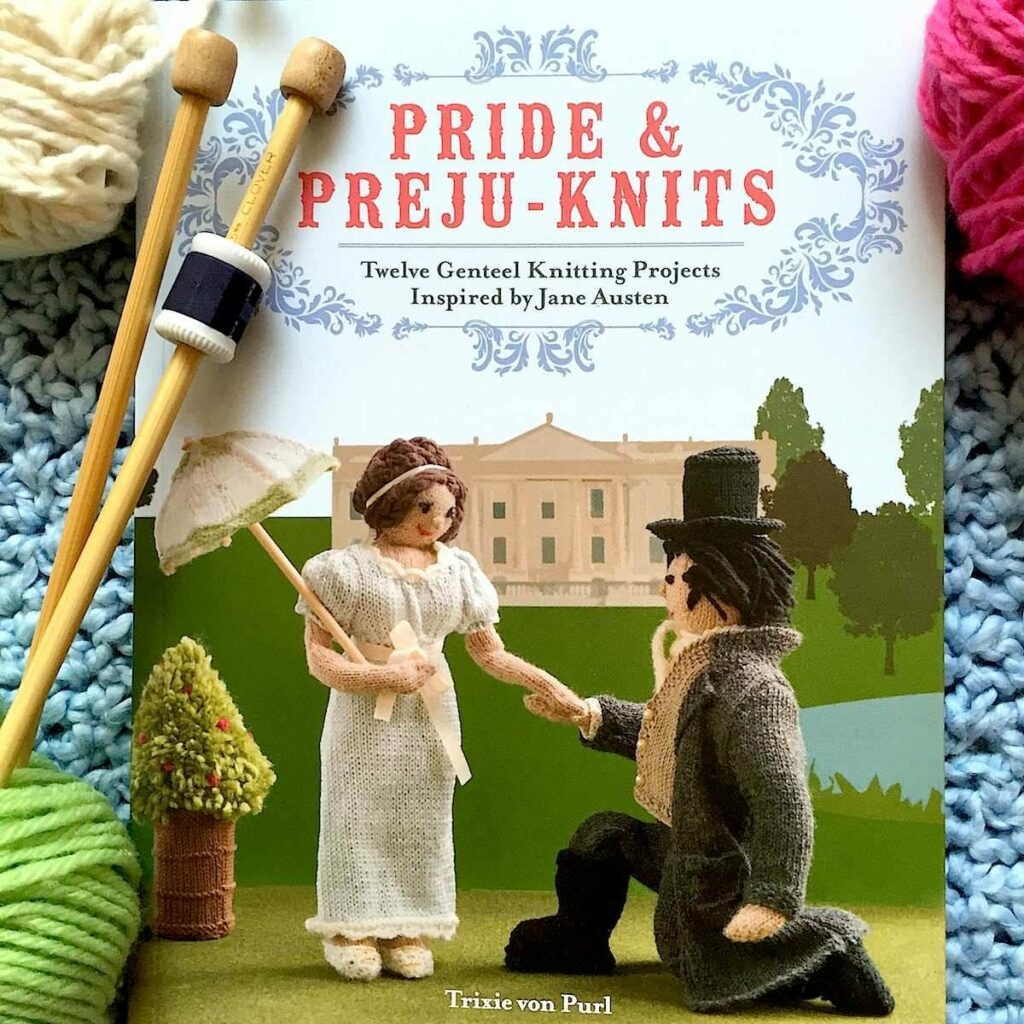
Pride & Preju-knits: Twelve Genteel Knitting Projects Inspired by Jane Austen by Trixie von Purl Harper Design 2015, 112 pages, 8.6 x 6.6 x 0.4 inches (paperback)
What’s the perfect book for a crafty, British literature fan with a sense of humor? It’s Pride & Preju-Knits of course! “This book is my life!” my 20-year-old daughter exclaimed when she opened up this adorable do-it-yourself paperback. “I love the fact that they give you just a few simple figures to make, and then so, so many clothing options.”
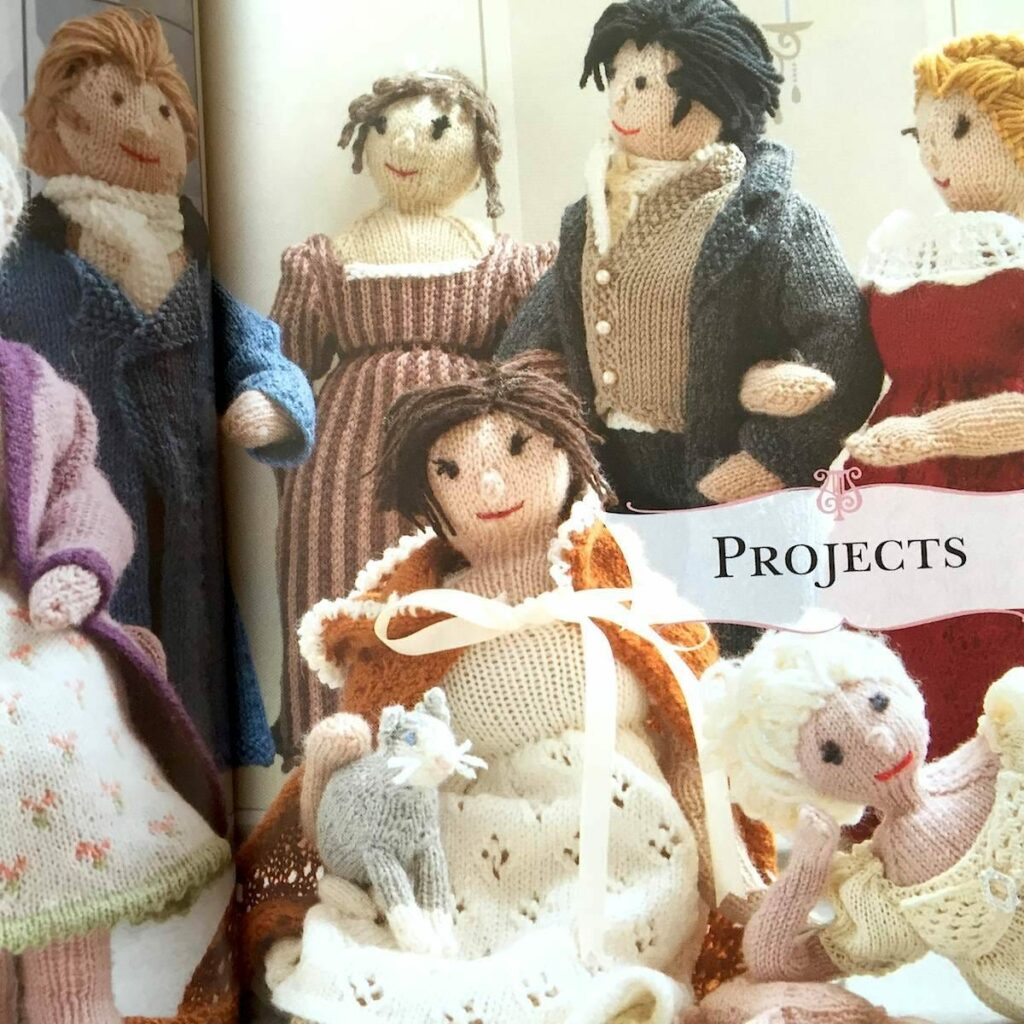
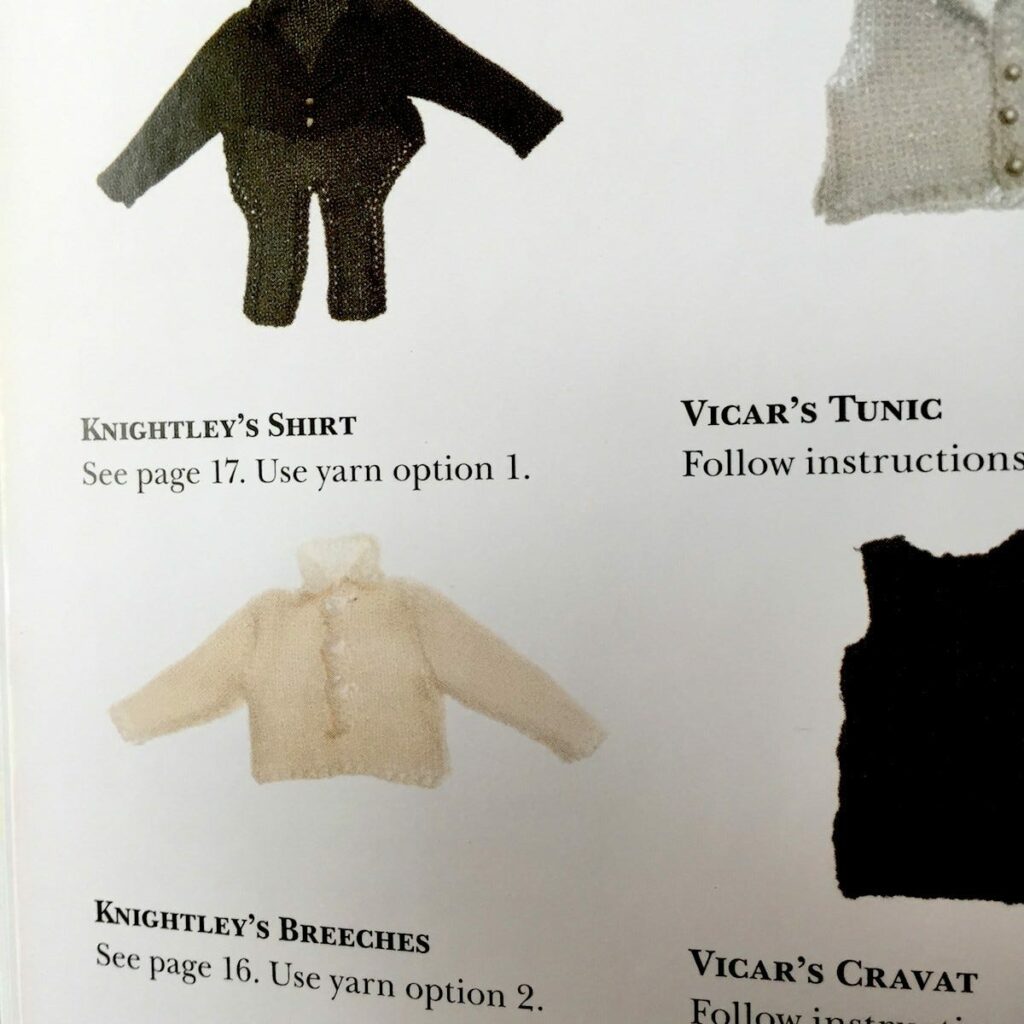
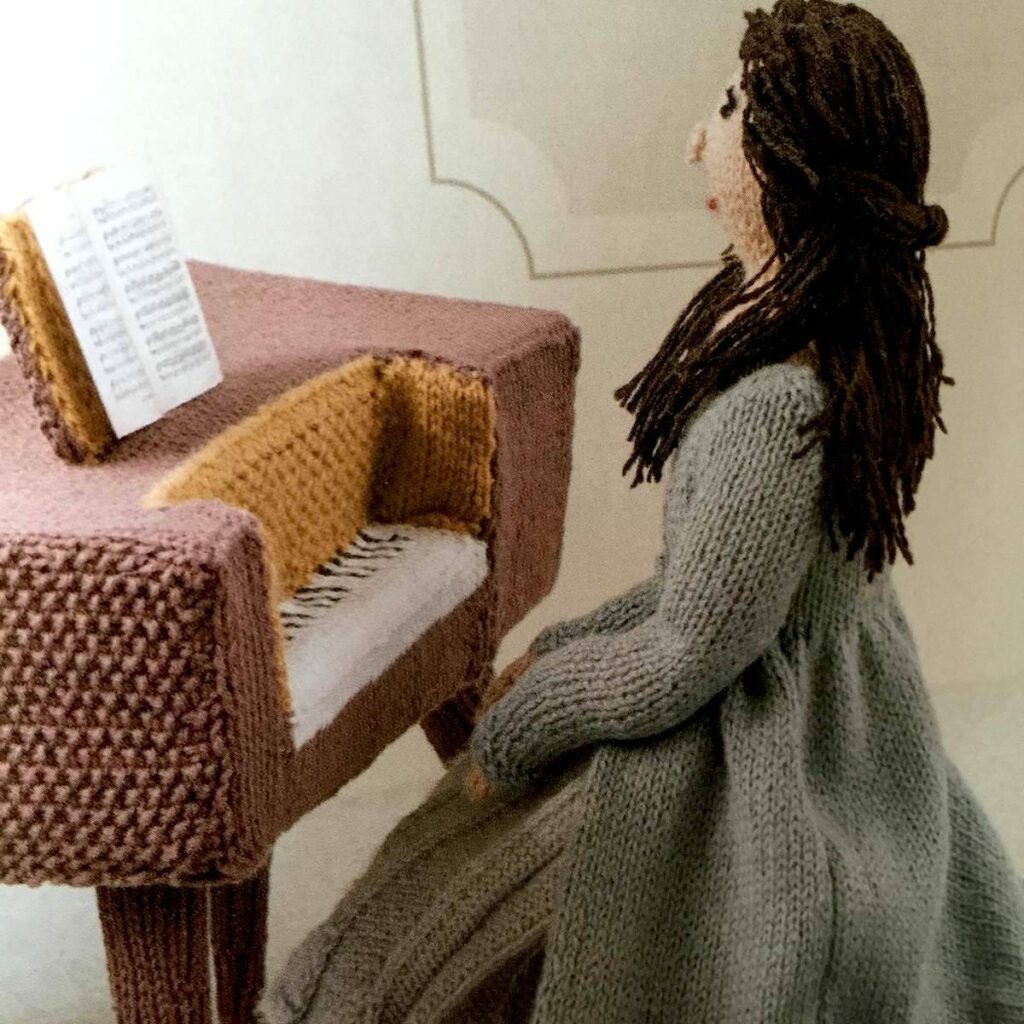
Pride & Preju-Knits contains 12 knitting projects (scenes) based on Austen’s six novels. Every element in these scenes can be knit, including main characters, accessories, animals and furniture. There are detailed instructions on how to knit Regency ladies and gentlemen, how to knit Elizabeth Bennet’s dress and Mr. Darcy’s trousers from Pride and Prejudice, and even how to knit the pianoforte played by Anne Elliot in Persuasion. You can also learn to knit sheep from Sense and Sensibility and for Emma Woodhouse’s wedding dress from Emma. Instructions include the materials, the gauge and how to finish off the piece. Trixie von Purl (aka Geraldine Warner) briefly recaps each Austen novel as well. Although these are very intricate projects, anyone can appreciate the imaginative handiwork and enjoy this charming little book. – Carole Rosner
Books That Belong On Paper first appeared on the web as Wink Books and was edited by Carla Sinclair.Sign up here to get the issues a week early in your inbox.